
How to Dispose of Old Business Computers & Electronics
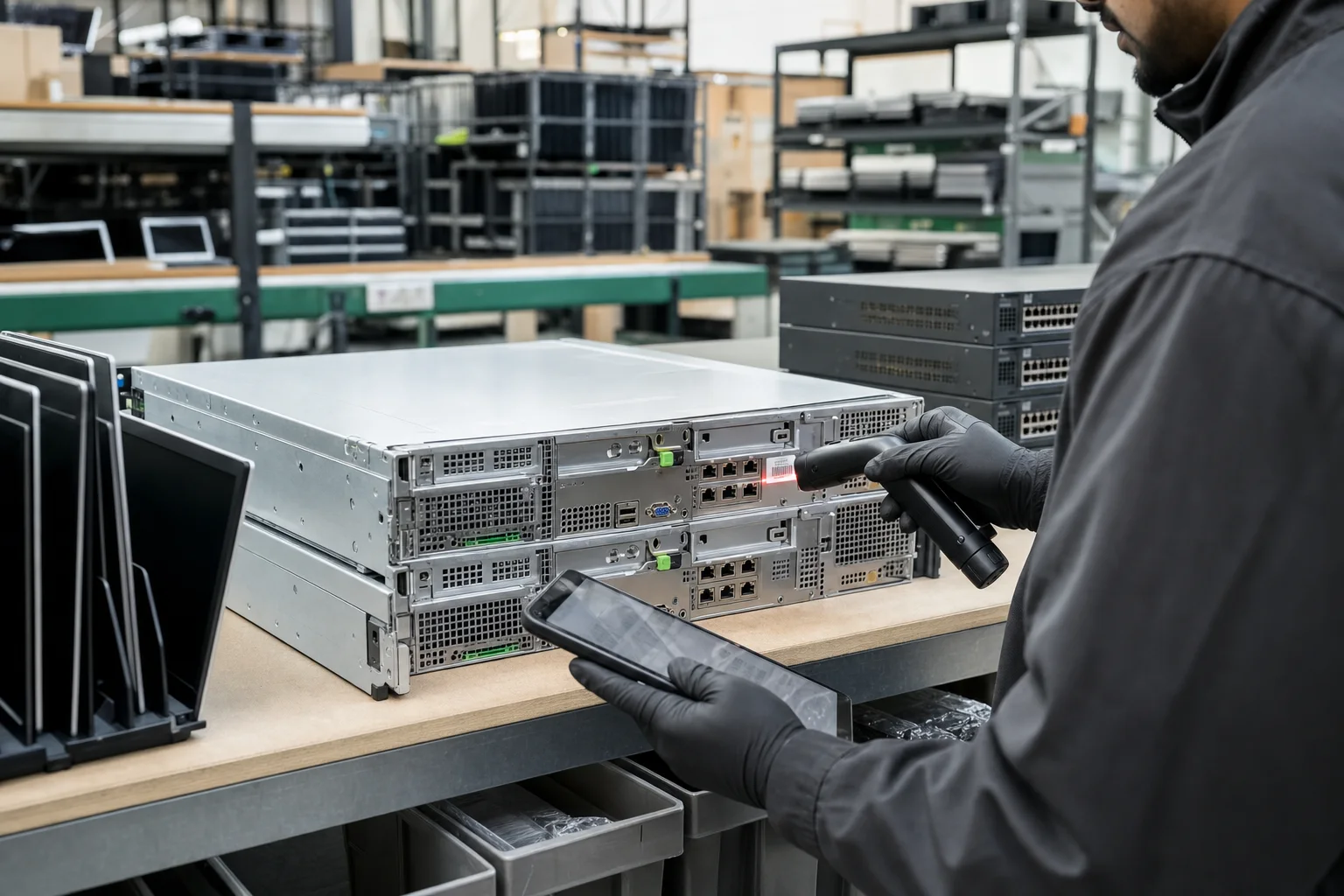
Retiring a batch of old computers is straightforward when you follow a simple, secure process. Here's the checklist we recommend to businesses across Southern California.
Step 1 — Inventory the equipment
List the devices you're retiring and note which ones contain data (computers, servers, phones, copiers, and many printers do). A simple inventory becomes the backbone of your chain of custody.
Step 2 — Back up anything you still need
Before anything leaves your control, make sure required data is backed up or migrated. Once data destruction begins, it is — by design — irreversible.
Step 3 — Destroy the data securely
Don't rely on deleting files or formatting drives; that data is recoverable. Use certified data destruction — NIST 800-88 wiping for drives with resale value, or physical shredding for maximum assurance — and get a Certificate of Destruction.
Step 4 — Recycle or recover value
Resellable equipment can be remarketed to return value, while the rest is recycled responsibly under a certified, zero-landfill process. A good ITAD partner handles both and documents the outcome.
- Schedule a free business pickup
- Receive serialized tracking and certificates
- Recover value from resellable assets
- Get environmental documentation for ESG reporting
Related service
IT Asset Disposition (ITAD)
Recover value from retired equipment with full tracking and transparent reporting.
Explore IT Asset DispositionFAQs
Is it safe to just delete files before recycling?
No. Deleting or formatting leaves data recoverable. Always use certified data destruction (wiping or shredding) before electronics leave your control.
Do you offer free pickup for old computers?
Yes. Business e-waste pickup is free across Southern California, from Los Angeles to San Diego.